From alarm noise to autonomous facility management
Most FM teams are drowning in tickets. A BMS that monitors more sensors generates more alarms. An FM system that integrates more data creates more work orders. Adding generative AI to explain those alarms makes them easier to understand — but someone still has to handle them.
This session of the Agentic Proptech Webinar Series shows what comes next: AI agents that continuously triage incoming alarms, enrich work orders with historical context before a human ever opens them, and autonomously close the tickets that don’t need human attention at all.
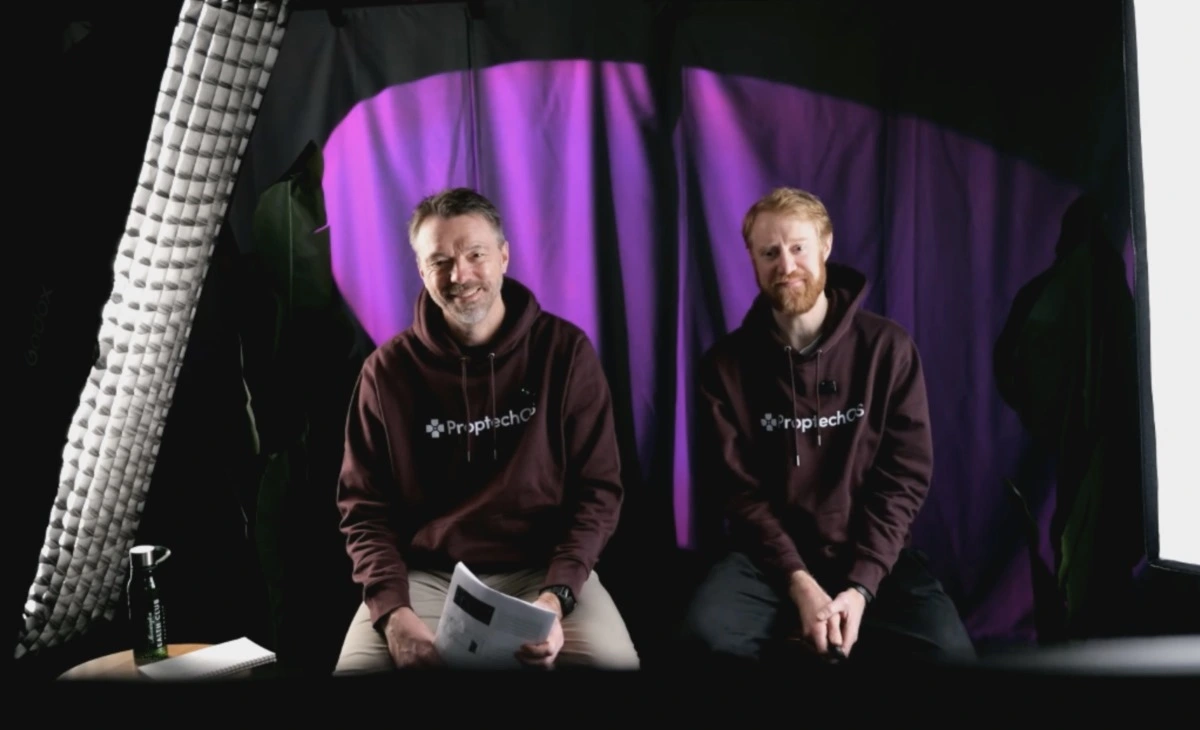
In 50 minutes, Rasmus and Per walk through the 99+ problem every FM organization faces, map out 292 facility management processes by automation potential, and demo a live multi-agent workflow — from alarm consolidation to human-approved peak shaving — running in ProptechOS today.
What this session covers
- Why the 99+ problem is getting worse, not better — more sensors and more integrations generate more alarms; generative AI explanations help you understand the noise, but don’t reduce it
- How to map FM processes for agent automation — a task-first framework for identifying which workflows to automate first, based on value and feasibility
- The four categories of agentic FM work — preparation and enrichment, filtering and triage, end-to-end autonomous execution, and predictive maintenance
- Live agent demo in ProptechOS — triage agent, context enrichment agent, alarm consolidator, air filter replacement predictor, and a multi-agent peak shaving workflow with human-in-the-loop escalation
- How service objects connect AI to physical action — built on the open-source RealEstateCore ontology, how alarms, error reports, and work orders become the interface between agents and field operators
- What this means for your FM team — how removing low-value manual work frees capacity for higher-impact tasks, and why the question has shifted from “will agents take our jobs” to “what work can we finally do now”
AI agent use cases demonstrated in this webinar
Alarm and ticket routing agent An incoming triage agent looks at all service objects — alarms, error reports, and work orders — and automatically classifies, prioritizes, and routes them. It handles misclassification and wrong priority assignments, and auto-replies to simple tickets without any human involvement. The single highest-impact, lowest-effort starting point for any FM team.
Context enrichment agent Before a human operator opens a ticket, this agent pre-fetches everything they need: historical telemetry for the asset, past service records, similar incidents, and relevant metadata from across the building. Operators arrive with full context instead of having to log into three separate systems before they can even start.
Alarm consolidator agent Scans incoming BMS and SCADA alarms for duplicates, related events, and false positives — then merges and reclassifies them. Turns a wall of 99+ undifferentiated noise into a focused, manageable signal that reflects actual building health.
Air filter replacement predictor Uses sensor telemetry and operational data to predict when air filters and other recurring maintenance items need servicing — before failure triggers an alarm. Converts reactive, unplanned work orders into scheduled preventive maintenance.
Multi-agent peak shaving team A supervisor-agent architecture where a specialist agent identifies energy peak shaving opportunities, a supervisor agent evaluates whether the proposed action is within its autonomous authority, and escalates to a human approver if not. Once approved, the execution returns to the agent team — keeping humans in the loop at exactly the right moment.
How ProptechOS AI agents are structured
ProptechOS agents run on the RealEstateCore ontology — an open standard that gives every sensor, space, and system across a portfolio a shared data language. All agent prompts are open source and available in the ProptechOS Agency library.
Each agent has three core components:
- A system prompt — the agent’s job description: what it monitors, what decisions it can make autonomously, and what it must escalate to a human
- Permissions — explicit definition of what the agent is allowed to read or write. A triage agent can read all incoming tickets but has no actuation rights; actuation always requires a separately scoped agent with explicit write permissions
- Audit trail — every action, proposal, and human decision is logged, giving full operational history and the ability to refine agent behavior over time
“When manual processes are removed from your team, you can either insource work you currently outsource — saving costs — or your people work on much higher-value tasks. You leave the desk. You go talk to your tenants. That’s the real shift.”
What’s already running in production
- 292 FM processes mapped across roles — from field operations to technical management to strategic FM
- 37% of all real estate industry work is automatable with last year’s technology
- 42 open-source agents available in the ProptechOS Agency, covering monitoring, triage, enrichment, and actuation
- 99+ tickets in every BMS, FM, and SCADA system we have seen — always more than can be shown on screen
Frequently asked questions
Q: Why not just use BMS alarms and thresholds? A BMS alarm fires when a single value crosses a fixed threshold. An AI agent reasons over context: it looks at historical patterns, related assets, occupancy data, and maintenance history together. It can foresee a problem before a threshold is reached, propose a proportional response, and handle the resolution — or escalate with a full briefing — rather than just firing a single undifferentiated alert.
Q: Do I need to automate an entire process end-to-end to get value? No. The most effective approach is task-first: identify one or two subtasks within an existing process that are high-value and easy to automate, and start there. You do not need to redesign your operation to begin. Many teams start by automating just the enrichment phase — having agents prepare context for work that humans still carry out.
Q: How do agent permissions work in ProptechOS? Each agent is assigned explicit read and/or write permissions scoped to specific systems, assets, and buildings. A triage agent can read all incoming service objects but cannot modify set points or create work orders. Actuation always requires a separately scoped agent with explicit write permissions — and during the onboarding phase, a human-in-the-loop approval step is standard.
Q: Can I run agents in review mode before giving them autonomous authority? Yes — and this is the recommended starting point. Run the agent for one to two weeks where it proposes actions but does not carry them out. Review the proposals each day. Once you trust the reasoning, extend its permissions to act autonomously within defined boundaries.
Q: Is the agent library open source? Yes. All prompts for ProptechOS agents — including every agent demonstrated in this webinar — are publicly available and open source. You can review, adapt, and build on them for your own implementation.
Q: How long does it take to deploy a first agent? Once your buildings are onboarded to RealEstateCore, deploying and testing a new agent can happen in days. The larger investment is in the discovery phase — mapping your available data to use cases and defining permissions — which typically takes a few weeks for the first deployment.
See AI Agents running in your buildings
Book a demo and we can see how you can benefit from AI Agents in your portfolio.
Don’t miss our upcoming webinars in the series, sign up here